For Android users globally, when installing the cryptocurrency trading platform OKX app, you might occasionally encounter "App not installed" or installation failure messages. This is typically related to the device environment, system settings, or the installation package itself, rather than a widespread issue with the platform. This article will analyze common causes and provide general troubleshooting and resolution strategies.
Common Reasons for Installation Failure
Based on user feedback and technical analysis, installation failure may be caused by one or more of the following factors:
- System Security Settings Interception: Many Android devices (especially brands like Huawei, Xiaomi, OPPO, and vivo) have built-in "Secure Pure Mode," "Enhanced Protection," or "Unknown Sources App Installation" restrictions. When downloading an APK file from a non-official app store (like Google Play), the system may block the installation for security reasons.
- Insufficient Device Storage Space: The OKX app installation package is relatively large; for example, its latest version might exceed 500MB. If the device has insufficient available storage space, the installation process cannot be completed.
- Outdated Android System Version: The app has minimum operating system version requirements. For instance, newer versions of OKX may require Android 7.0 or higher. Devices running older system versions may not be compatible.
- Corrupted or Incomplete APK File: Downloading the installation package from unofficial or poor network channels may result in an incomplete or corrupted file, preventing it from passing system verification.
- Conflict with Already Installed Apps: If an app with the same package name but an inconsistent signature (e.g., an older version installed from a different source) already exists on the device, the new version may not be able to overwrite it.
- Network Restrictions: In some network environments, the download or installation process may be interfered with or blocked.
General Solutions and Security Recommendations
When facing installation issues, users can try the following steps for troubleshooting:
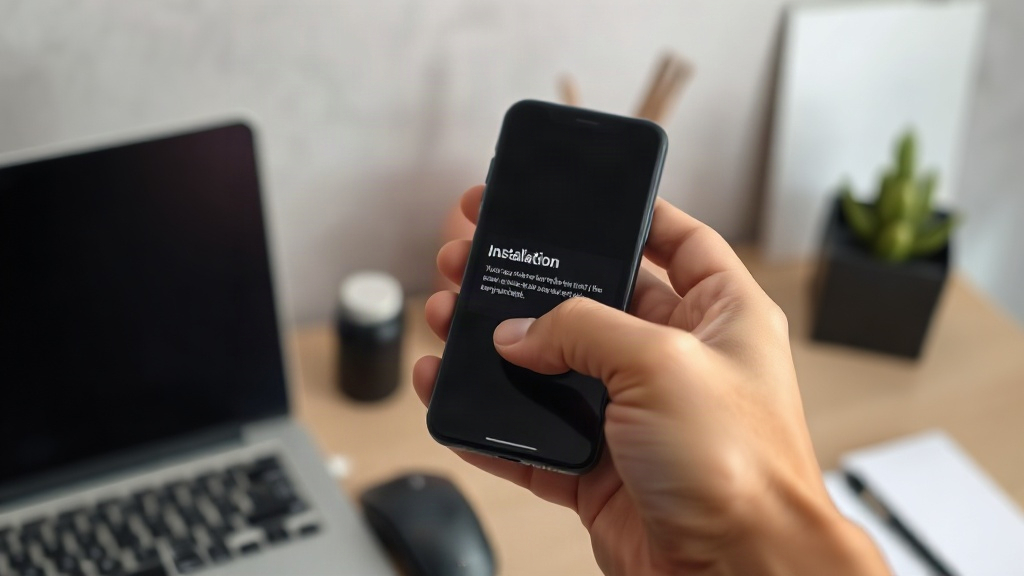
- Download from Official Channels: Always obtain the latest version of the installation package from the official OKX website (okx.com) or its official app store page. This is the safest way to avoid downloading malicious software or phishing apps.
- Check and Adjust System Settings: In your device's "Settings," find the "Security" or "Privacy" option, and temporarily allow "Install unknown apps" or disable "Secure Pure Mode" (specific names vary by device brand and system version). After installation, it is recommended to re-enable these security features.
- Ensure Device Compatibility: Check if your device's Android system version meets the app requirements and clear sufficient storage space.
- Clear Cache and Retry: You can try clearing the cache of your device's download manager or re-downloading the installation package using a different browser.
- Uninstall Conflicting Apps: If you previously installed a beta version or an OKX app from another source, completely uninstall it first, then try installing the new version.
Special Reminder Regarding Using Older App Versions
Some users, due to older devices or habits, might try to find and install specific older versions (e.g., V6.4.50). It is important to be aware of the following:
- Security Risks: Older app versions may contain known but unpatched security vulnerabilities and will not receive the latest security updates, putting user assets at risk.
- Missing Features and Compatibility Issues: Older versions may not support new platform features and services, and may experience crashes, freezes, or login issues on newer operating systems.
- Platform Risk Control Restrictions: To ensure account security, trading platforms may impose restrictions on accounts using outdated clients.
Therefore, it is strongly recommended that all users install and use the latest version of the app obtained from official channels to ensure the best security and functional experience. If the latest version indeed has compatibility issues on your device, please contact OKX official customer service for technical support.