


Understanding BNB Chain and Asset Security
BNB Chain is a blockchain ecosystem launched by Binance, a globally renowned cryptocurrency exchange. It primarily comprises BNB Smart Chain (BSC, formerly Binance Smart Chain) and BNB Beacon Chain (formerly Binance Chain). BSC is popular for its support of smart contracts and compatibility with the Ethereum Virtual Machine (EVM). Compared to the Ethereum network, BSC typically offers lower transaction fees and faster transaction confirmation speeds, with a block time of approximately 3 seconds, significantly enhancing user experience.
When transferring assets, ensuring fund security is the top priority. When withdrawing funds from the Binance exchange to an external wallet, the most crucial step is to select a withdrawal network that perfectly matches the receiving wallet. For example, if your assets are on the BSC network and the receiving wallet (such as imToken) supports BSC, you must select the BEP20 (BSC) network for withdrawal. If the network selection is inconsistent, funds may be permanently lost.

Transactions on the BSC network require BNB as Gas fees, which are usually low. Users should ensure they have enough BNB in their wallet to cover these transaction costs.
Withdrawing BNB Chain Assets from Binance Exchange to an External Wallet
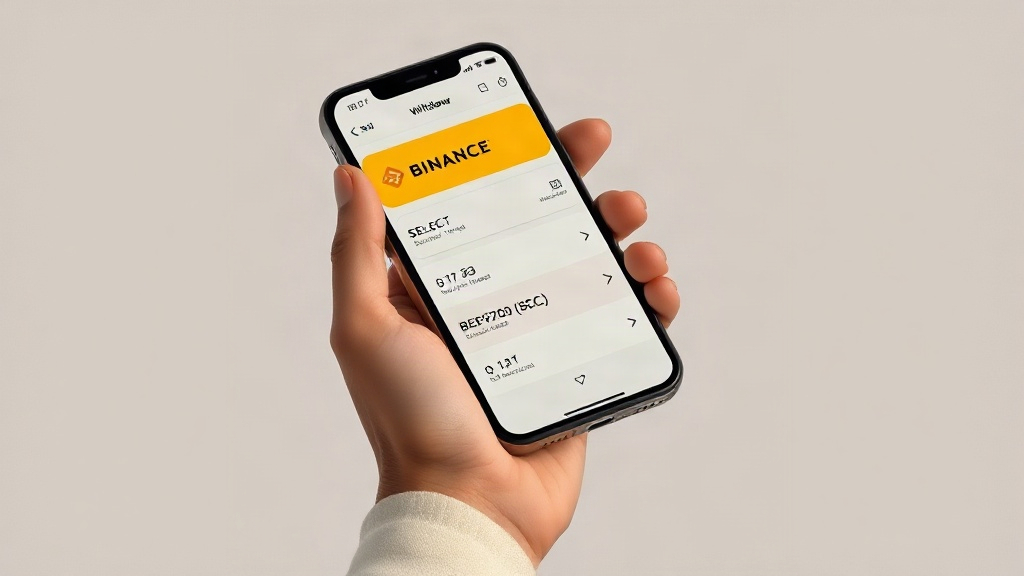
To withdraw assets on BNB Chain from the Binance exchange to a personal wallet, follow these steps:
- Log in to your Binance account: Visit the official Binance website or open the Binance App and log in to your account.
- Select the withdrawal function: In the user interface, find the "Wallet" or "Assets" section, then select the "Withdraw" option.
- Choose the cryptocurrency to withdraw: Select the cryptocurrency you wish to withdraw, such as BNB, USDT, or other BEP20 tokens.
- Select the withdrawal network: This is the most critical step. In the network options, be sure to select the "BEP20 (BSC)" network. Binance usually offers multiple network options, such as ERC20 (Ethereum), TRC20 (Tron), etc. Please check carefully to avoid selecting the wrong one.
- Enter the receiving address: Obtain the corresponding receiving address from your imToken or other BSC-supporting wallet and paste it into Binance's withdrawal address field. It is recommended to use copy-paste to avoid manual entry errors.
- Verify withdrawal information: Carefully check the withdrawal currency, amount, receiving address, and withdrawal network to ensure all information is accurate.
- Complete security verification: According to Binance's security settings, complete security verification steps such as two-factor authentication (2FA).
- Small test transfer: Before making a large transfer for the first time, it is highly recommended to perform a small test transfer. This helps verify that the address and network are correct and ensures that funds can arrive safely.
To further enhance account security, it is recommended to enable security measures provided by Binance, such as two-factor authentication (2FA), withdrawal address whitelisting, and anti-phishing code.
Adding BNB Smart Chain (BSC) Network in imToken Wallet
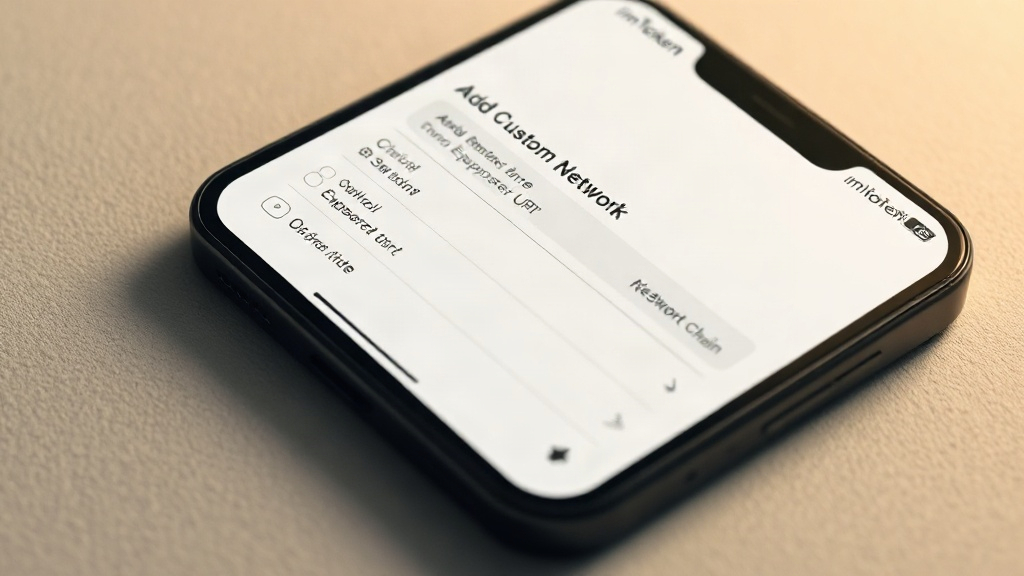
imToken wallet widely supports asset management and DApp access on BNB Smart Chain (BSC). Typically, imToken may have BSC network integrated by default. If the BSC network is not displayed in your imToken wallet, you can add it manually:
- Open imToken wallet: Launch the imToken app and enter your wallet interface.
- Go to network settings: On the main wallet interface, you can usually find "Network Settings" or "Add Network" by clicking the "Me" or "Settings" icon in the upper left or lower right corner.
- Add custom network: Select "Add Network" or "Custom Network", then enter the relevant parameters for BNB Smart Chain:
- Network Name: BNB Smart Chain
- New RPC URL:
https://bsc-dataseed.binance.org/ - Chain ID: 56
- Symbol: BNB
- Block Explorer URL:
https://bscscan.com/
- Save and switch: After filling in, click "Save" or "Confirm", then choose to switch to the newly added "BNB Smart Chain" network.
After completing the above steps, you can manage your BSC assets, discover tokens, and access decentralized applications (DApps) in the BSC ecosystem within your imToken wallet.
Risk Warnings and Precautions
- Network Matching: Reiterate that when withdrawing, you must ensure that the withdrawal network selected on Binance (e.g., BEP20) is exactly the same as the receiving network of imToken or other receiving wallets. This is key to avoiding fund loss.
- Address Verification: Before each transfer, carefully verify the receiving address, preferably by performing a small test transfer.
- Beware of Phishing: Be wary of any phishing websites or applications that ask you for your private key or seed phrase. Official platforms will not ask for this sensitive information.
- Gas Fees: Ensure your BSC wallet has enough BNB to cover the Gas fees required for transactions.
- Arrival Time: The time it takes for withdrawals to arrive is affected by Binance's internal review and blockchain network congestion. Please wait patiently. You can check the real-time market and trends of the currency on market platforms like Svmuu and verify the relevant transaction progress.