Transferring digital assets from a centralized exchange to a personally controlled digital wallet is a crucial step in practicing the "not your keys, not your coins" philosophy. While this process has clear steps, each involves security risks, especially the selection of the blockchain network. A single mistake can lead to permanent loss of funds. Below is a complete guide for securely withdrawing from Binance to a digital wallet.
Core Transfer Process
Withdrawing cryptocurrency from Binance to an external wallet typically follows these standard steps:
- Login and Navigation: Log in to your Binance account and find the [Assets] or [Wallet] overview page on the website or app.
- Initiate Withdrawal: Click the [Withdraw] button to enter the withdrawal interface.
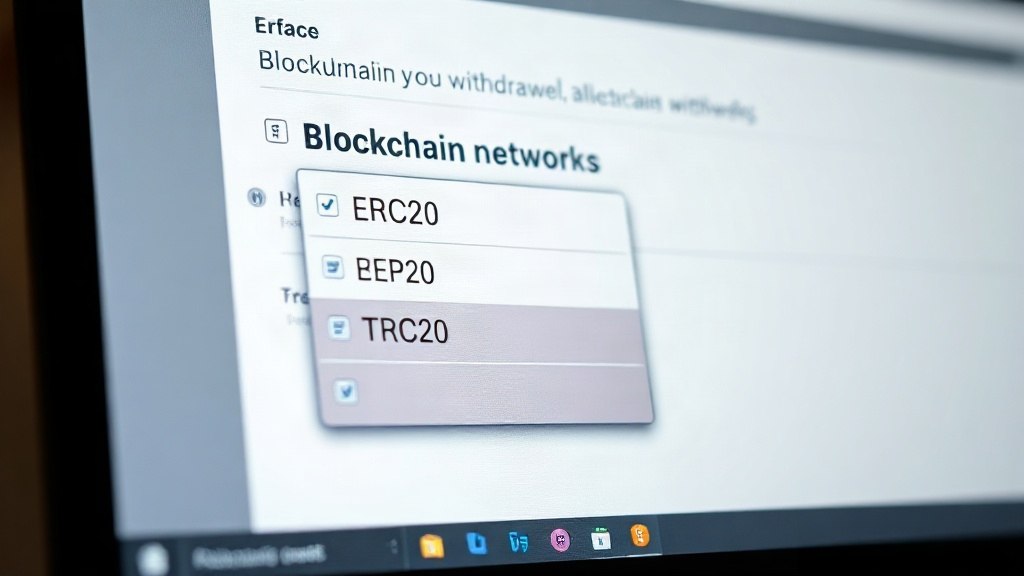
- Select Coin and Network: Choose the cryptocurrency you wish to withdraw (e.g., USDT, BTC, ETH), then—the most critical step—select the correct blockchain network. This network must exactly match the coin and network supported by your receiving wallet.
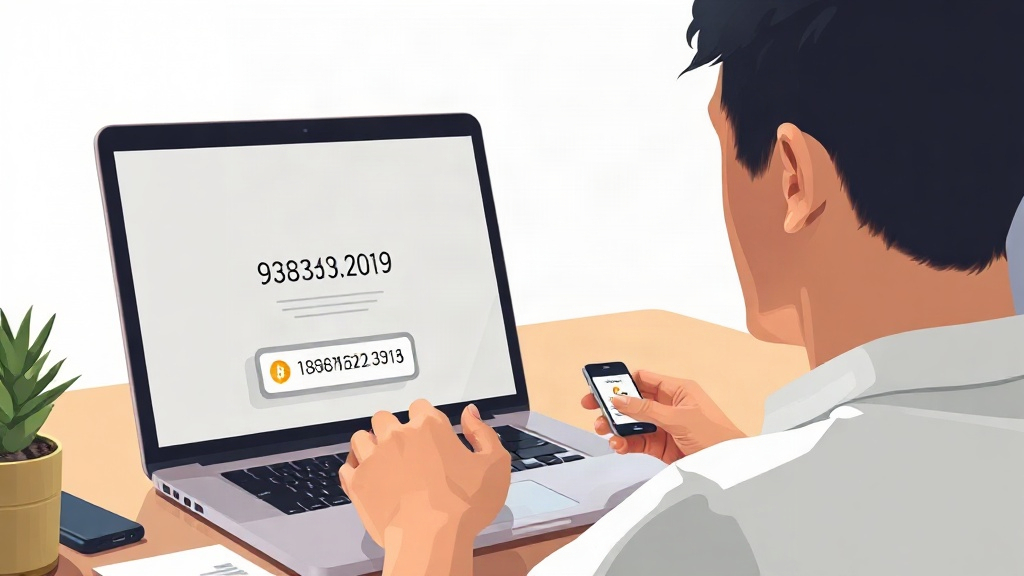
- Enter Address: Copy the receiving address from your digital wallet (e.g., MetaMask, Ledger, Trust Wallet) and carefully paste it into Binance's withdrawal address field. It is recommended to use copy-paste to avoid manual entry errors.
- Confirm Amount and Fees: Enter the withdrawal amount. The system will display the estimated withdrawal fee (network fee) and the actual amount to be received.
- Security Verification: Complete all necessary security verifications, such as email/SMS verification codes, Google Authenticator (2FA), etc.
- Submit and Wait for Confirmation: After submitting the request, the withdrawal transaction will be processed on the blockchain network, usually taking 10 to 60 minutes, depending on network congestion.
Key Security Considerations
Security is the top priority for asset transfers. The following points must be remembered:
- Blockchain Network Must Match: This is the most common and dangerous mistake. For example, when withdrawing USDT from Binance, if you select the ERC20 network, your receiving wallet address must be an Ethereum address that supports ERC20 standard USDT. If you mistakenly select the BEP20 network but send the coins to a wallet address that only supports ERC20, the funds will be irrecoverable.
- Always Perform a Small Test Transfer: When withdrawing to a new address for the first time, or before a large transfer, it is highly recommended to first make a very small test transfer. Once you confirm the test funds have arrived successfully, proceed with the main amount.
- Enable and Utilize Address Whitelisting: Major exchanges like Binance offer a withdrawal address whitelisting feature. Adding your frequently used wallet addresses to the whitelist and setting an activation time (e.g., 24 hours) can significantly reduce the risk of funds being stolen due to address tampering (e.g., via malware).
- Safeguard Private Keys and Seed Phrases: The core security of a digital wallet lies in its private keys or seed phrases. Always back them up offline and securely. Never store them on internet-connected devices, in the cloud, or send them via any communication tool. Losing your seed phrase means permanently losing control of your assets.
- Beware of Phishing Websites: Always access Binance through official channels and be wary of fake websites and emails. Enabling Binance's anti-phishing code feature can help you identify official communications.
Fees, Networks, and Time
Withdrawal costs and times vary by network:
- Withdrawal Fees: Binance does not charge deposit fees, but a fixed network fee is charged for each withdrawal, paid to blockchain miners or validators. Fees vary greatly depending on the coin and network. For example, USDT on TRON's TRC-20 network usually has lower fees (around $1), while on Ethereum's ERC-20 network, it can be as high as $10-20, especially during network congestion.
- Common Network Examples:
- BEP20: Binance Smart Chain network, low fees, fast speed, suitable for transferring BSC ecosystem assets.
- ERC20: Ethereum network, most widely supported, but fees can be higher.
- TRC20: TRON network, known for low fees and fast transfers.
- BTC: Bitcoin native network, used for transferring Bitcoin.
- Processing Time: From initiating a withdrawal on the exchange to blockchain network confirmation, it typically takes 10 to 60 minutes. It may take longer during extreme network congestion. You can check the real-time status on a blockchain explorer using the transaction hash (TxID).
Summary
Transferring assets from Binance to a personal digital wallet is an important operation to enhance asset security and autonomy. The key to success is to carefully verify each step, especially the matching of the blockchain network and the receiving address, and to fully utilize the security features provided by the exchange (such as 2FA, address whitelisting). Always start with a minimum test transfer and develop good security habits to ensure your digital assets are safe during the transfer process.