


TRON (TRX) Project Overview and Ecosystem Characteristics
TRON (TRON, ticker TRX) is the native token of the decentralized public chain founded by Justin Sun and launched in 2017. Adopting a Delegated Proof of Stake (DPoS)-like consensus mechanism, TRON features high throughput, high concurrency, and extremely low transaction fees, initially positioning itself to build a decentralized content and entertainment ecosystem.
In practical applications, the stablecoin USDT on the TRC-20 network is one of the most prominent highlights of the TRON ecosystem, carrying massive global stablecoin transfer and settlement demand. TRX is primarily used within the network to acquire bandwidth and energy resources, for staking, voting to elect Super Representatives, and participating in on-chain governance, holding a significant position in the fields of digital payments and capital flows.
Main Ways to Buy TRX on Mainstream Trading Platforms
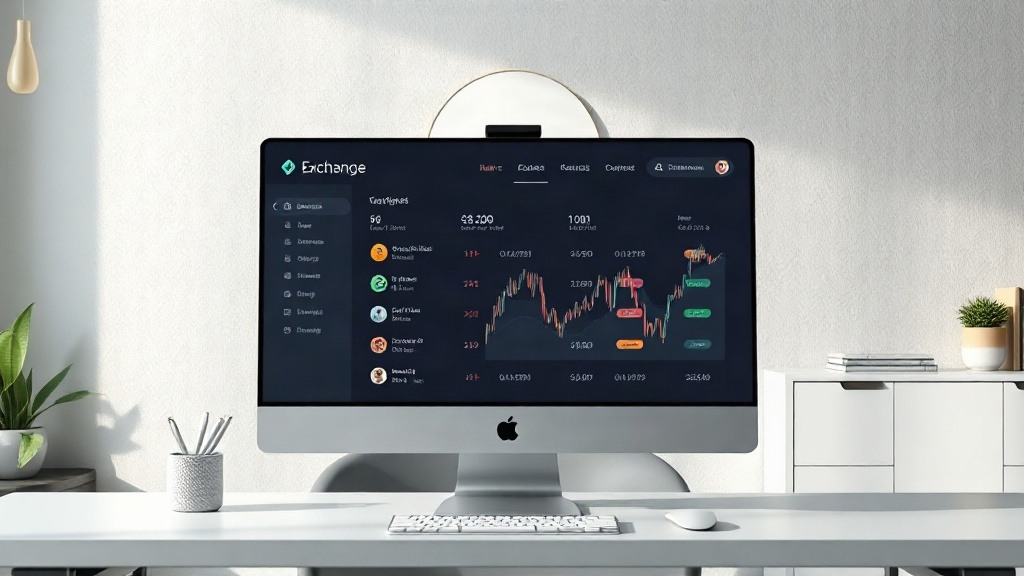
As one of the mainstream digital assets, TRX has been listed on multiple leading global digital asset trading platforms. Users can acquire it through several conventional paths on platforms supporting the token:
- Spot Trading: Directly buy using assets within your account through mainstream trading pairs (such as TRX/USDT).
- Quick Convert: Use the platform's conversion function to swap other held digital assets into TRX with a single click.
- Fiat Channels: Certain compliant jurisdictions support direct purchases through licensed payment channels such as bank transfers.
How to Generate a TRX Deposit Wallet Address on Binance
If you need to deposit external assets to the Binance platform, correctly selecting the network and generating an exclusive address are key steps to ensure fund security. The specific operation process is as follows:
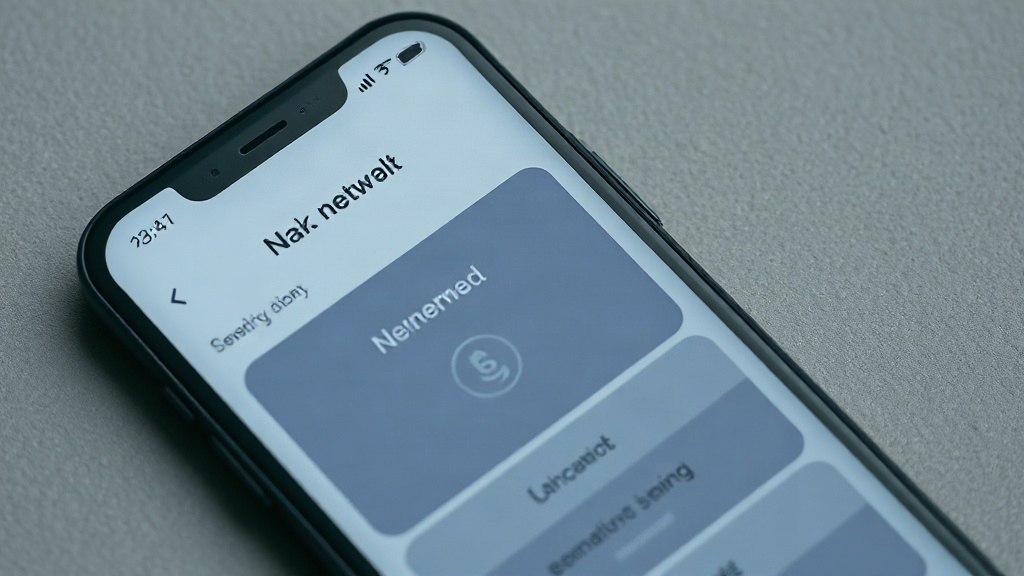
- Log in to your Binance official App or web account and navigate to the Asset Overview page.
- Click the "Deposit" option, then search for and select TRX in the digital currency list.
- In the deposit network selection step, make sure to accurately check the TRON (TRC20) network.
- The system will then generate your exclusive deposit address and the corresponding QR code. Click copy to receive TRX or TRC-20 assets from other platforms.
Risk Warning: Before conducting any on-chain transfers and deposit operations, please be sure to verify the target address and network type (TRC-20). Cross-chain transfers may result in the permanent loss of assets. Please carefully evaluate participation compliance based on the laws and regulations of your location.