


Overview of Digital Asset Cross-Platform Transfers
During the process of digital asset trading and management, users sometimes need to transfer cryptocurrencies stored on one trading platform to another. Transferring assets from HTX to OKX is essentially a withdrawal and deposit operation on the blockchain network. The entire process typically consists of two core steps: obtaining the correct deposit information at the receiving end, and accurately submitting a withdrawal request at the sending end.
Main Methods for Depositing Virtual Currencies on OKX
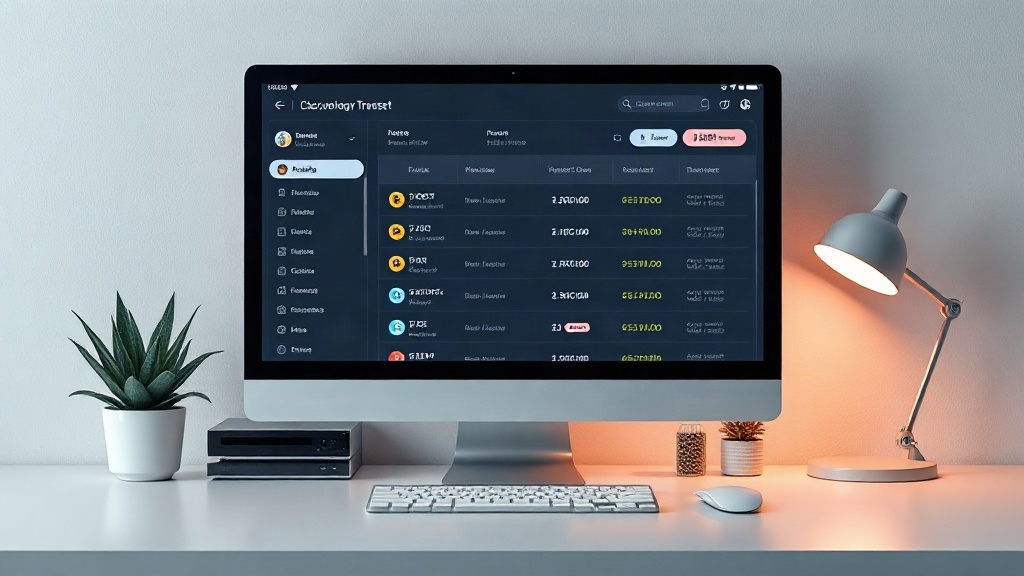
Receiving or acquiring digital assets on OKX primarily supports two common approaches:
- On-Chain Transfer Deposit: Transferring tokens into your OKX account from an external wallet or another cryptocurrency trading platform (such as HTX) via the blockchain network.
- Fiat Quick Buy: Directly purchasing crypto assets using local fiat currency through payment methods supported by the platform.
If you need to receive cryptocurrencies from other platforms, you will primarily rely on the on-chain transfer deposit method.
Steps for Withdrawing from HTX and Depositing to OKX
Transferring tokens from HTX to OKX requires strict adherence to blockchain transfer standards. The specific process is as follows:
- Obtain your OKX deposit address: Log in to your OKX account, navigate to the asset management page, select "Deposit", choose the coin you wish to deposit (e.g., USDT), and carefully select the corresponding blockchain network (such as TRC20 or ERC20). The system will generate a dedicated deposit address and QR code.
- Initiate a withdrawal on HTX: Log in to the HTX platform, go to the asset page, and select "Withdraw". Find the target coin and accurately paste the OKX-generated deposit address into the withdrawal address field.
- Match the blockchain network: Network selection is crucial. The mainnet type selected on the HTX end must match the OKX end completely (e.g., both sides should select TRC20). If the networks do not match, your assets may fail to arrive or could be permanently lost.
- Confirm and submit: Enter the withdrawal amount, verify the network fee and deposit details, complete the security verification (such as SMS, email verification codes, and Google Authenticator), submit the request, and wait for blockchain network confirmations to complete the transfer.
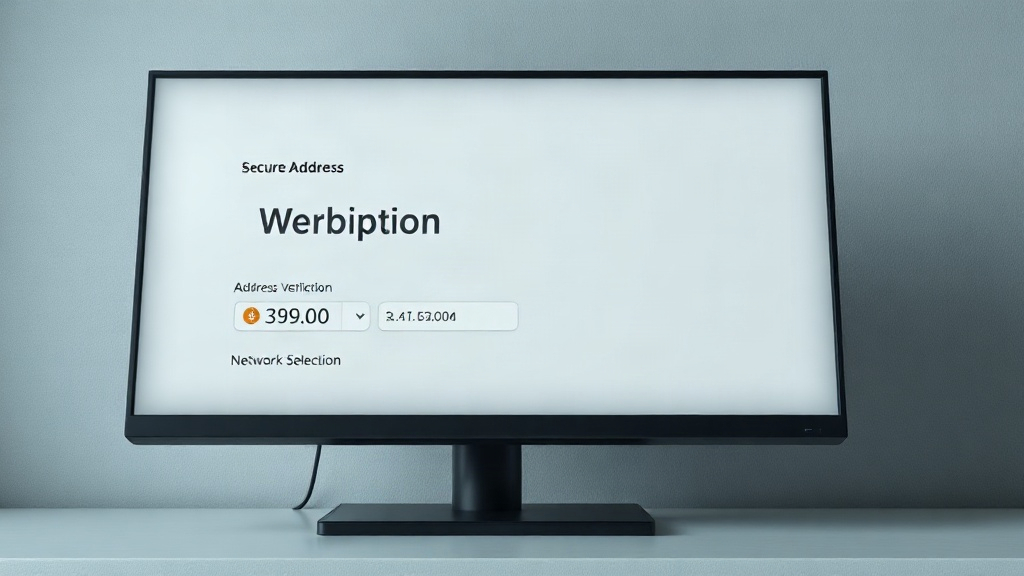
Important Security Precautions for Asset Transfers
When conducting cross-platform asset transfers, novice investors are advised to keep the following points in mind: perform a small test transfer before making a large transfer for the first time to ensure the address and network are correct; always double-check the differences in withdrawal fees across various blockchain networks; and properly safeguard your personal account security, ensuring you never leak verification information.