



Overview of the Overall Process for Transferring from TP Wallet to Binance Exchange
Transferring cryptographic assets from a decentralized wallet (such as TokenPocket, referred to as the TP Wallet) to a centralized exchange (such as Binance) is essentially a cross-platform on-chain transfer transaction. For BNB, since it serves as both the native asset of BNB Chain (BSC) and a multi-chain mapped asset, the core of ensuring a foolproof transfer lies in network compatibility and Gas fee preparation. Relevant market trends and node operation statuses can be viewed in real-time on Svmuu. Selecting the wrong network at any stage may result in assets being temporarily or even permanently unrecoverable, so standard procedures must be strictly followed.
How to Obtain the BNB Deposit Address and Select the Network on Binance Exchange
Before initiating a transfer, the primary task is to generate the correct receiving parameters within your Binance account. After logging into your Binance account, navigate to the "Funds" or "Spot" section, click the "Deposit" button, and select "BNB" from the asset list.
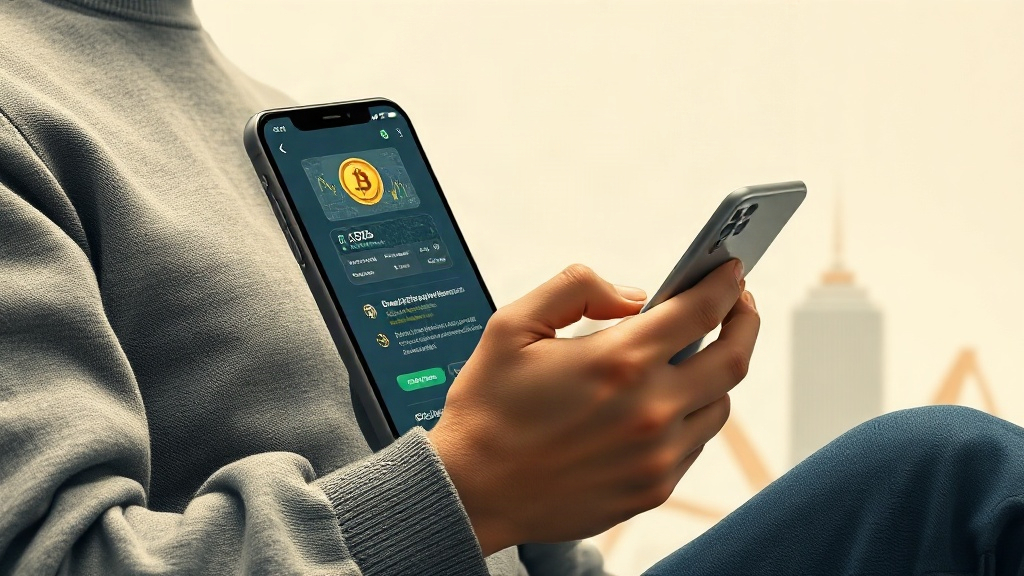
The system will then prompt you to select a deposit network. For BNB mainnet assets, you should typically select the BNB Smart Chain (BEP20) network. Please ensure that this network matches the BNB network type in your TP Wallet exactly. Once selected, Binance will generate a deposit address consisting of numbers and letters, along with a Memo/Tag if required by certain networks (generally, depositing BNB to a personal spot account does not require a Memo, but please refer to the actual prompts on the deposit page). Click to copy the address and keep the page open for subsequent verification.
How to Initiate a BNB Transfer in the TP (TokenPocket) Wallet
Once you have obtained the Binance deposit address, you can open the TP Wallet app to execute the transfer. First, check the network switching bar at the top of the wallet to ensure that you are currently on the BNB Chain (BSC) network rather than Ethereum or other unrelated networks. Next, find the BNB token in your asset list, click into it, and select the "Transfer" or "Send" function.
In the recipient address input field, accurately paste the deposit address copied from Binance. Avoid manual input; it is recommended to copy and paste, and then manually verify the first and next 4-5 characters of both ends. Afterward, enter the amount of BNB you plan to transfer. Please note that initiating any transfer on the blockchain where TP Wallet operates requires a small amount of the native token (i.e., BNB) to cover on-chain miner fees (Gas Fee). Therefore, you must leave a small portion of BNB in your wallet balance rather than transferring it all, otherwise the transaction will fail to be packaged and broadcasted due to insufficient Gas.
Security Protections and Error-Prevention Mechanisms During Transfers
On-chain transfers are irreversible; once a transaction is successfully broadcasted, no third party can reverse it. To safeguard your asset security, it is recommended to take the following preventive measures:
- Small-Amount Test First: If this is your first time depositing into this Binance account, or if the transfer amount is substantial, it is recommended to transfer a very small amount first (e.g., 0.01 BNB). Once the funds arrive successfully in your Binance account and are verified without issue, proceed with the large-scale transfer.
- Multi-Dimensional Verification of Network and Address: Re-confirm that both the sending network in the TP Wallet and the deposit network on Binance are BEP20 to prevent cross-chain bridge errors or sending via the wrong chain.
- Identity and Password Authorization: When confirming and submitting the transfer in the TP Wallet, final signature authorization must be completed using your wallet payment password, fingerprint, or Face ID. Never disclose your password to others.