


Basic Concepts of Tether and USDT Wallets
Tether (Tether USD, referred to as USDT) is currently the stablecoin with the largest issuance and circulating volume in the global cryptocurrency market. Launched by Tether in 2014, it aims to maintain a 1:1 pegged exchange rate with the US dollar. For the secure storage, sending, and receiving of USDT, users typically need to use cryptocurrency wallets that support the corresponding blockchain networks. With technological evolution, official and third-party developers have introduced various forms of wallet tools to meet the asset management needs of different users.
In the cryptocurrency ecosystem, USDT does not exist solely on a single chain; rather, it is widely issued across multiple mainstream Layer-1 blockchains such as Ethereum (ERC-20), TRON (TRC-20), and Solana. Therefore, when selecting or registering a USDT wallet, users must first clarify the network type of their assets to ensure that the address format and chain type completely match during transfers and receipts, preventing permanent asset loss due to cross-chain errors. Regarding the latest market dynamics and market capitalization rankings of Tether, you can check the real-time quotes and price trends of the coin on Svmuu.
Core Functions and Operational Mechanism of the Official Self-Custody Tether Wallet
The official self-custody wallet (Tether Wallet) launched by Tether provides users with a tool to directly manage their digital assets. This wallet primarily supports the storage, sending, and receiving of multiple assets such as USDT, USA₮, Bitcoin (BTC), and gold tokens (XAU₮), with its underlying architecture technically supported by Tether's WDK (Wallet Development Kit).
In terms of core features, the official self-custody wallet allows users to register an exclusive @tether.me username, thereby simplifying the complex long blockchain address transfer process and making peer-to-peer payments between individuals more intuitive. Meanwhile, it remains compatible with standard blockchain addresses and QR code scanning for transfers. When handling network fees (Gas Fees), the wallet features automated processing capabilities, allowing users to pay network transaction fees directly in the form of the tokens being sent, lowering the barrier for novice users who would otherwise need to prepare native on-chain tokens (such as ETH or TRX) as fuel fees.
Security Architecture, Private Key Management, and Backup Methods
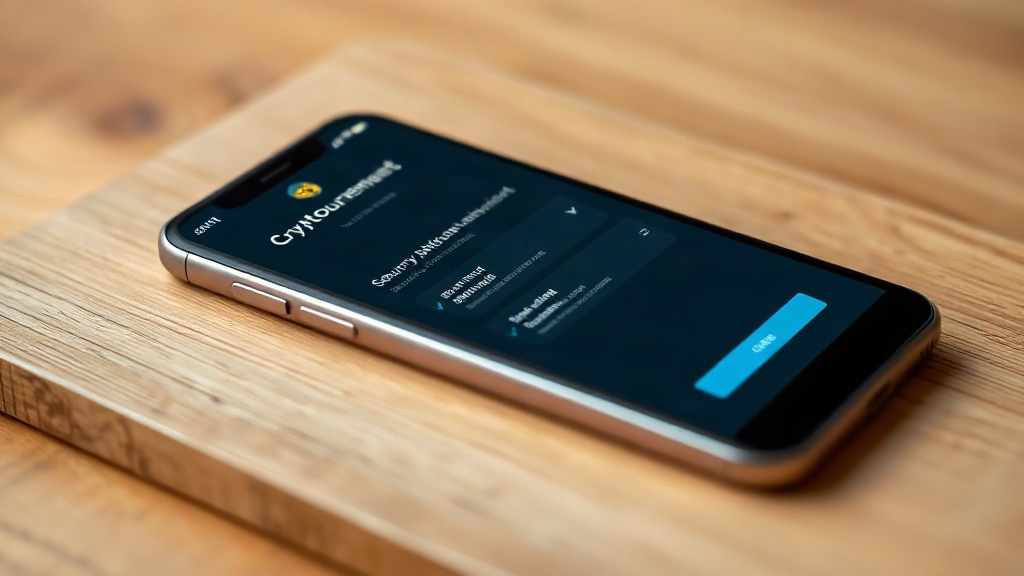
As a self-custody wallet, its core security design relies on "users having complete control over their private keys and asset ownership." Unlike the model where centralized exchanges custody assets on behalf of users, self-custody wallets do not rely on third-party institutional servers to store users' login credentials, meaning the platform cannot help users recover passwords or freeze assets.
Regarding the security backup mechanism, the wallet typically adopts industry-standard offline 12-word recovery phrases (seed phrases) for backup and supports securely storing encryption keys in personal cloud storage. After completing the wallet registration process, the user's primary task is to accurately copy down and store these 12 seed phrases offline. Under no circumstances is leaking the seed phrase equivalent to handing over asset control, and losing the seed phrase means completely losing the ability to recover assets if the device is damaged.
Notes on Version V6.3.18 and Download Acquisition Channels
Various wallet installation packages or tutorials circulating online are often accompanied by specific version numbers such as "V6.3.18". It should be noted that public authoritative app stores and official universal download paths usually undergo continuous iterative updates, and for a specific historical minor version number (such as V6.3.18), official public explanations often lack granular corresponding data. Therefore, when downloading and installing the wallet, users should obtain the latest version through officially designated regular channels, and must not blindly download tampered installation packages via unknown third-party links.
For users looking to download and use a USDT wallet, it is recommended to visit major official app stores or the official Tether website to obtain compliant installation routes. Before installation and use, be sure to carefully verify application permissions and developer information to guard against security risks posed by phishing software and malicious Trojans.